

A deep dive into how strategic user research transformed the Michigan B.A.S.S. Nation website into a streamlined, user-first platform using mixed-methodology including content audits, stakeholder interviews, card sorting, heuristic analysis, and information architecture.
Jump To Process
UX Researcher, UX Designer

5 months

Team of 4 with stakeholder collaboration

Miro, Figma, Figjam, Teams, Zoom, Appointlet, Zapier, Jotform

Stakeholder Interview, Content Audit, Card Sorting, User Interviews, Thematic Analysis, Site Mapping, Usability Testing
Michigan B.A.S.S. Nation (MBN) manages adult and youth B.A.S.S. fishing tournaments. However, its outdated website structure caused frequent user frustration, missed event details, and inefficient content management for staff.
Our goal: create a streamlined, user-centered experience that improves navigation, clarifies membership paths, and boosts engagement across all user groups.
Adult Anglers
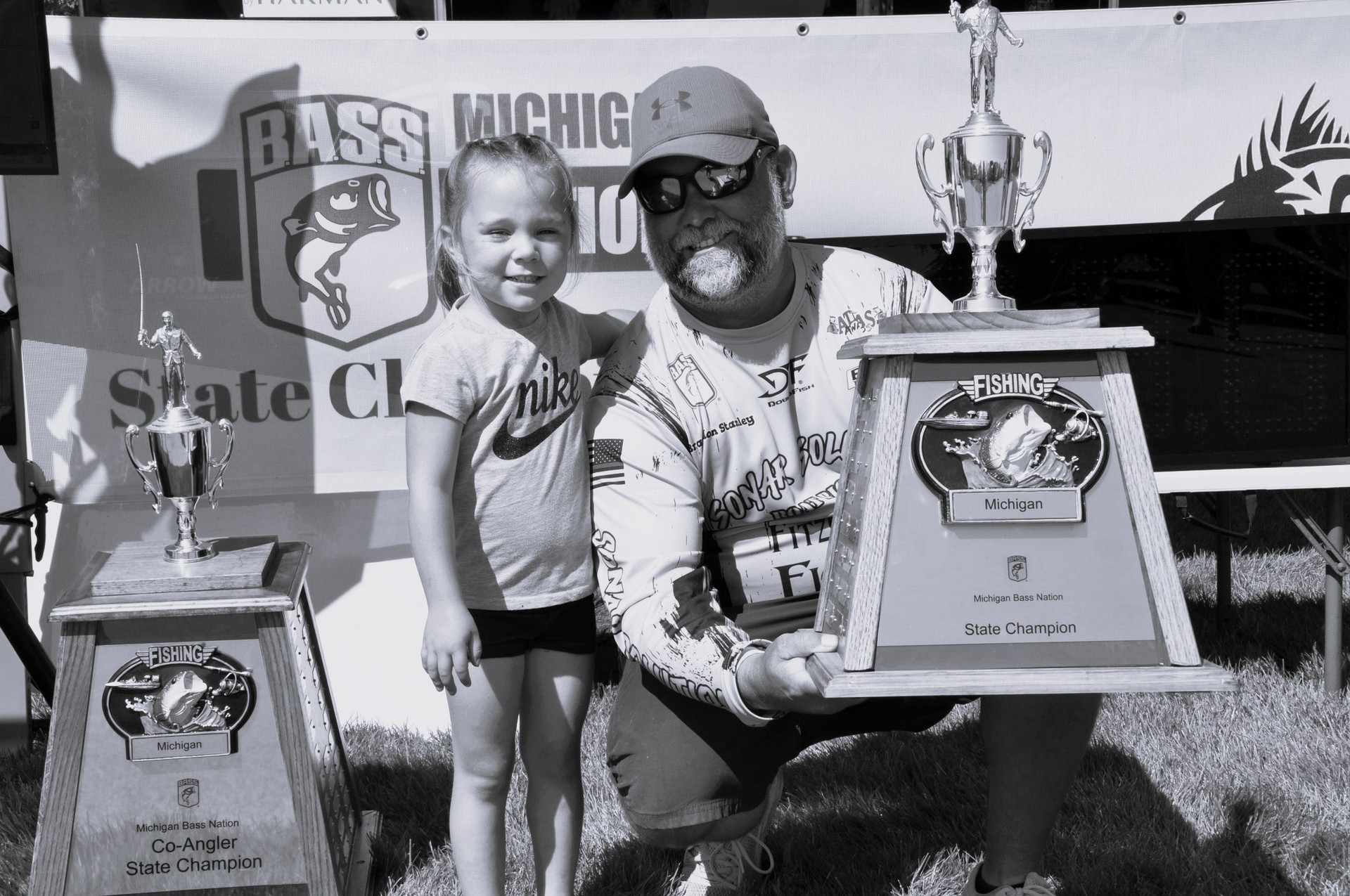
Parents & Coaches
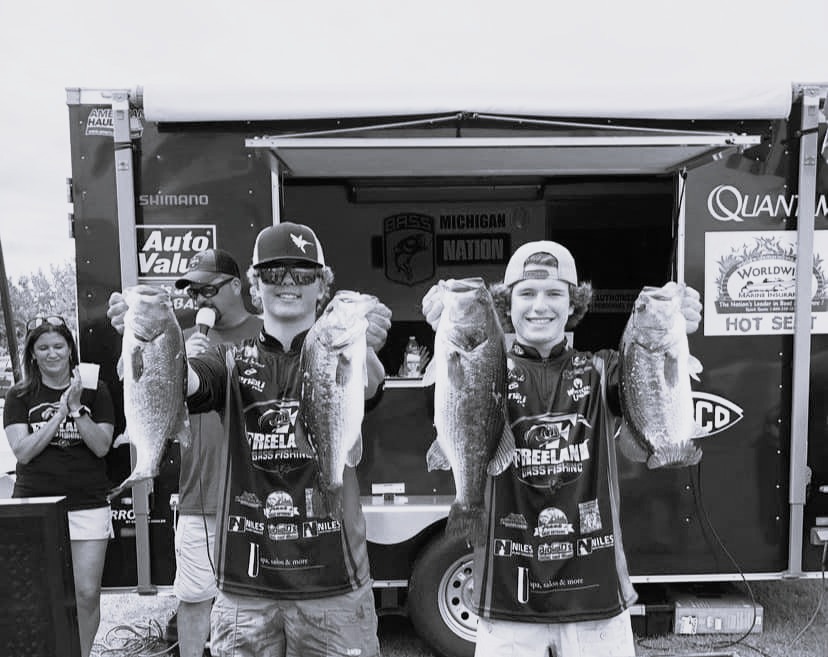
Youth Anglers

Leveraged Appointlet to streamline participant scheduling and onboarding, enabling volunteers from Michigan B.A.S.S. Nation and MBN Youth to self-select convenient times while capturing key details for engagement and incentive fulfillment.

Automated the distribution of calendar invites and consent forms links, ensuring guardian approval for minors and seamless participant onboarding.

Utilized Jotform to securely collect participant consent, properly documenting sessions for our remote card sorting study.

Conducted with MBN President and Youth Director to uncover goals, pain points, and user priorities.
Key Insights:
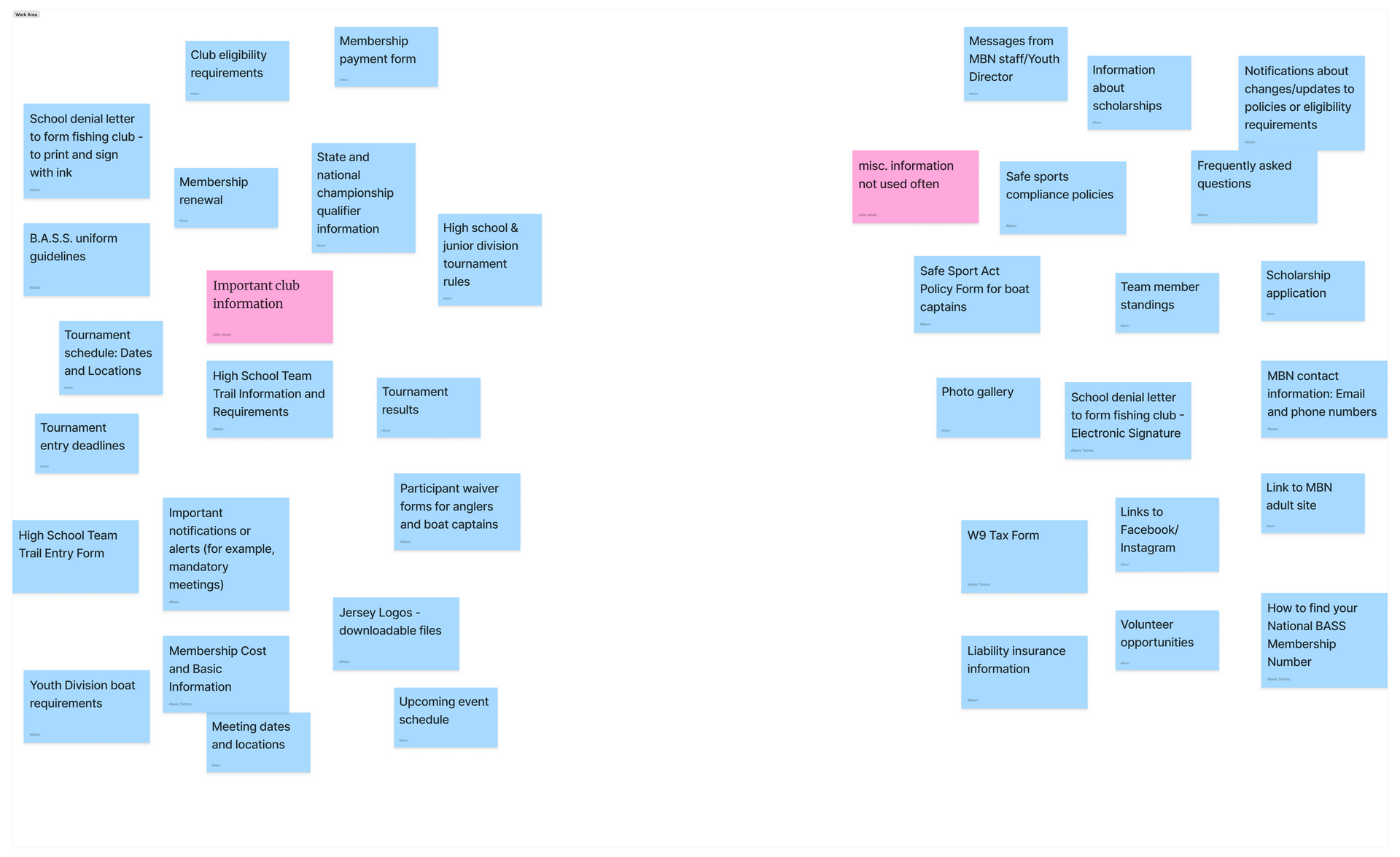
Conducted a content audit to gain a full understanding of the job to be done
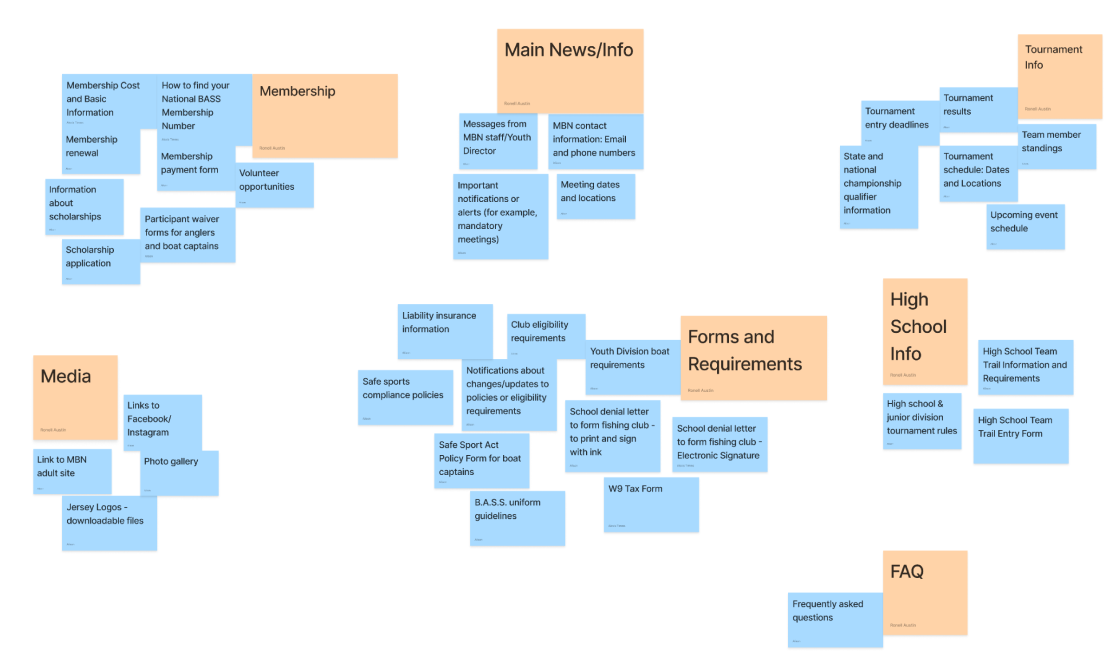
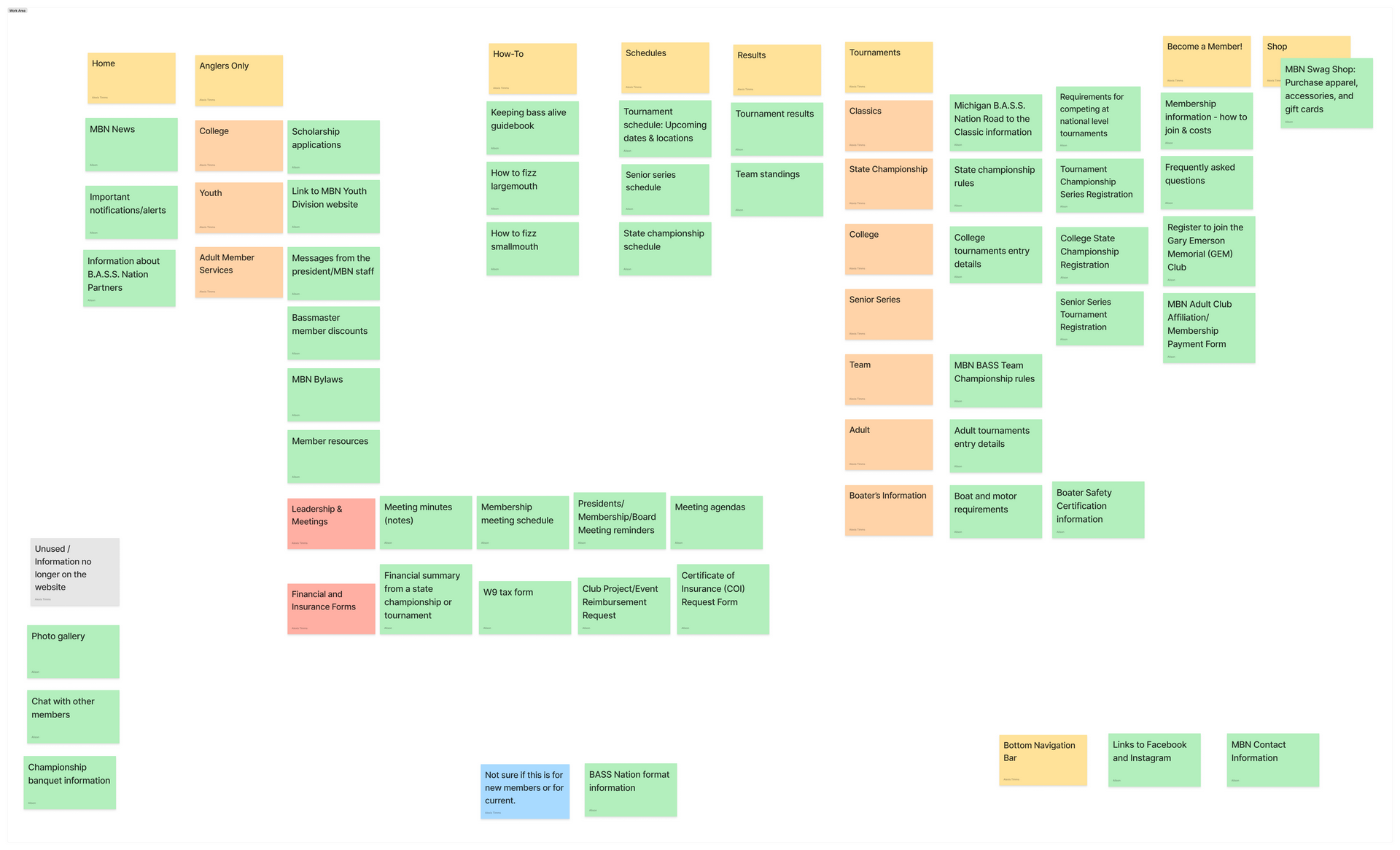
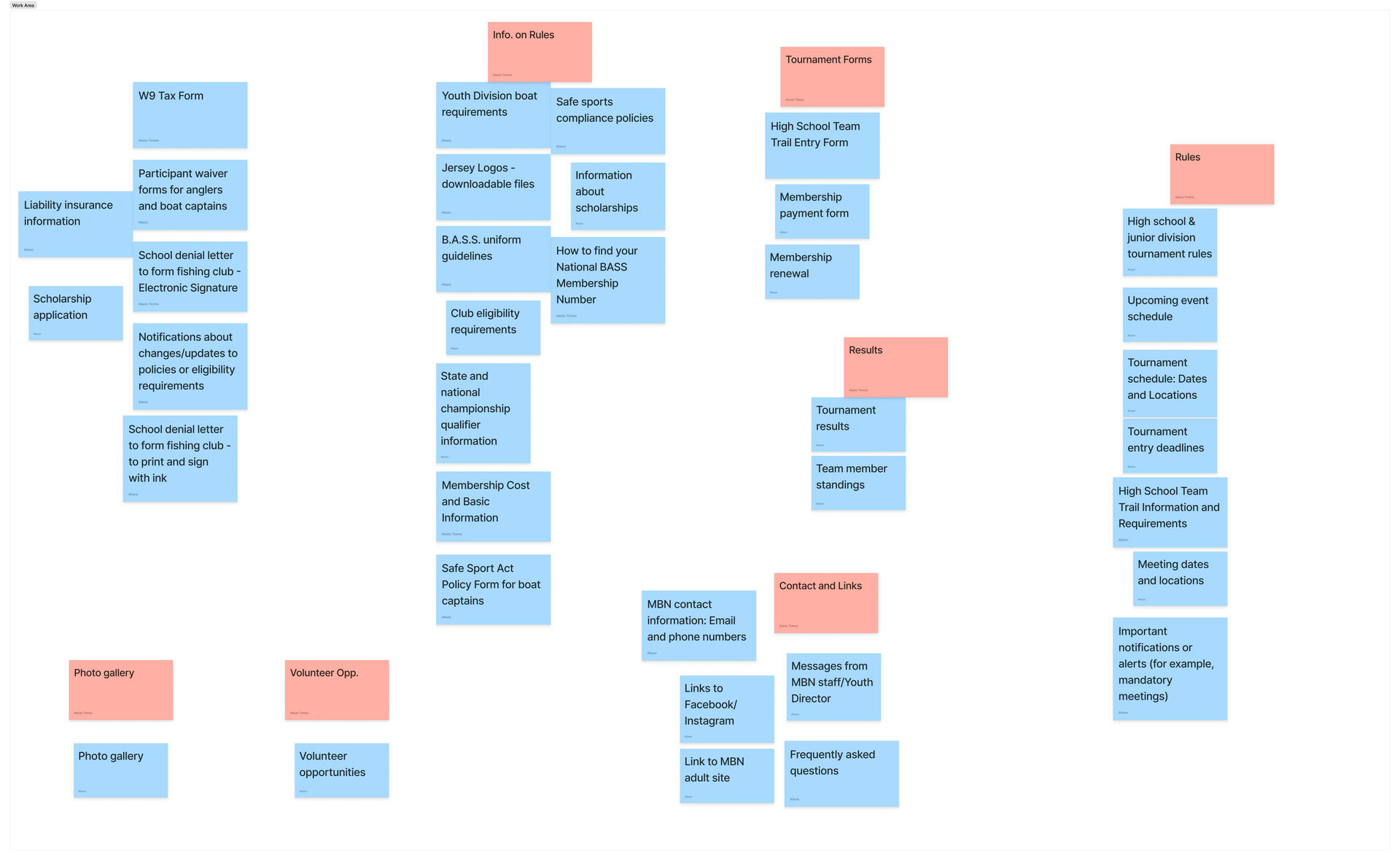
Content AuditParticipants first completed a baseline survey assessing the current website’s ease of use, navigability, and any pain points they wanted to express. We then conducted an open card‑sorting study to understand users’ mental models for organizing content, followed by interviews to contextualize their decisions and gather deeper insights.
“There was just so much content to look through. I know it's important to have access to the Presidential meeting information, but as a member I never do.”
— Participant 1, Adult
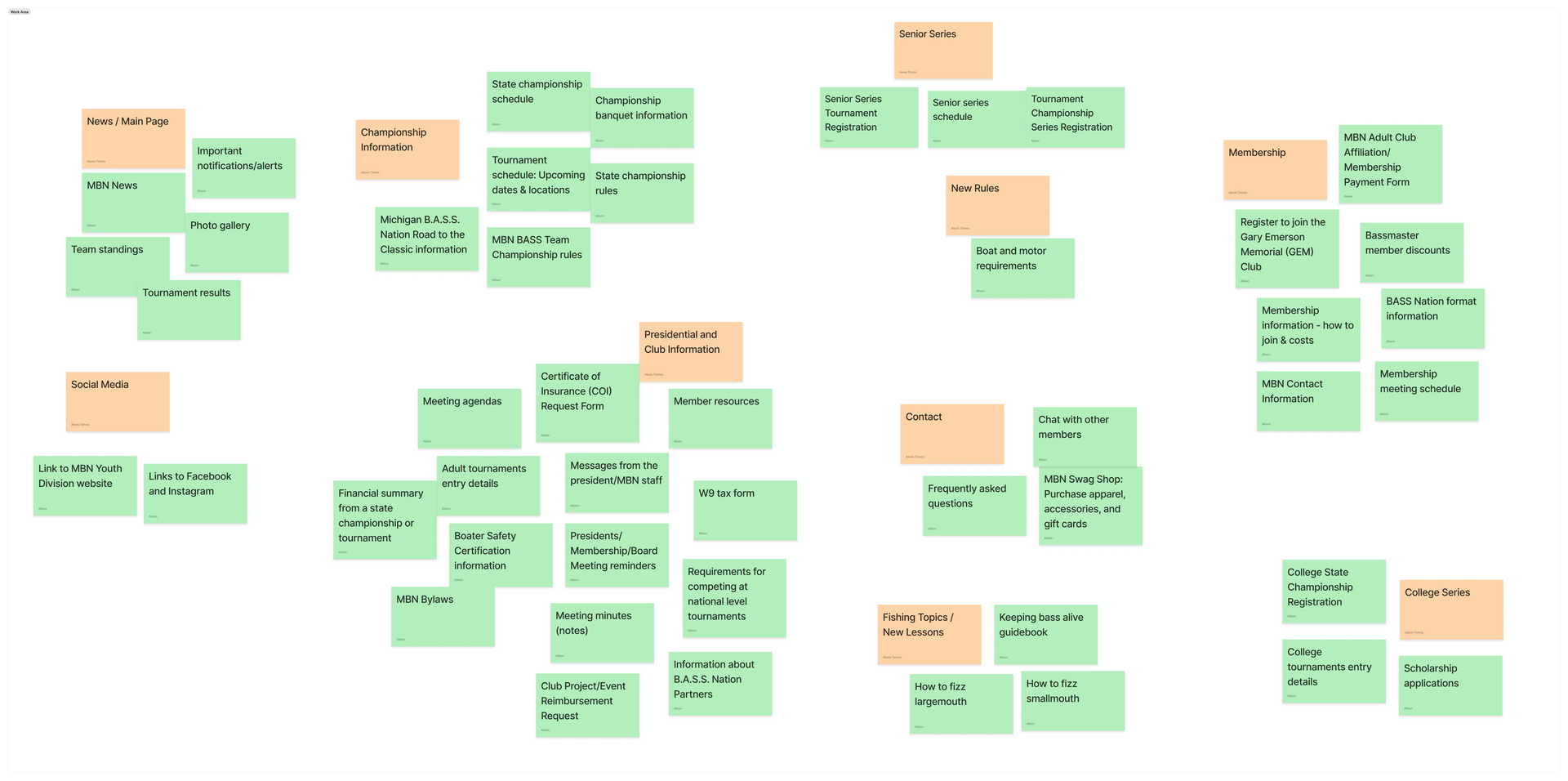
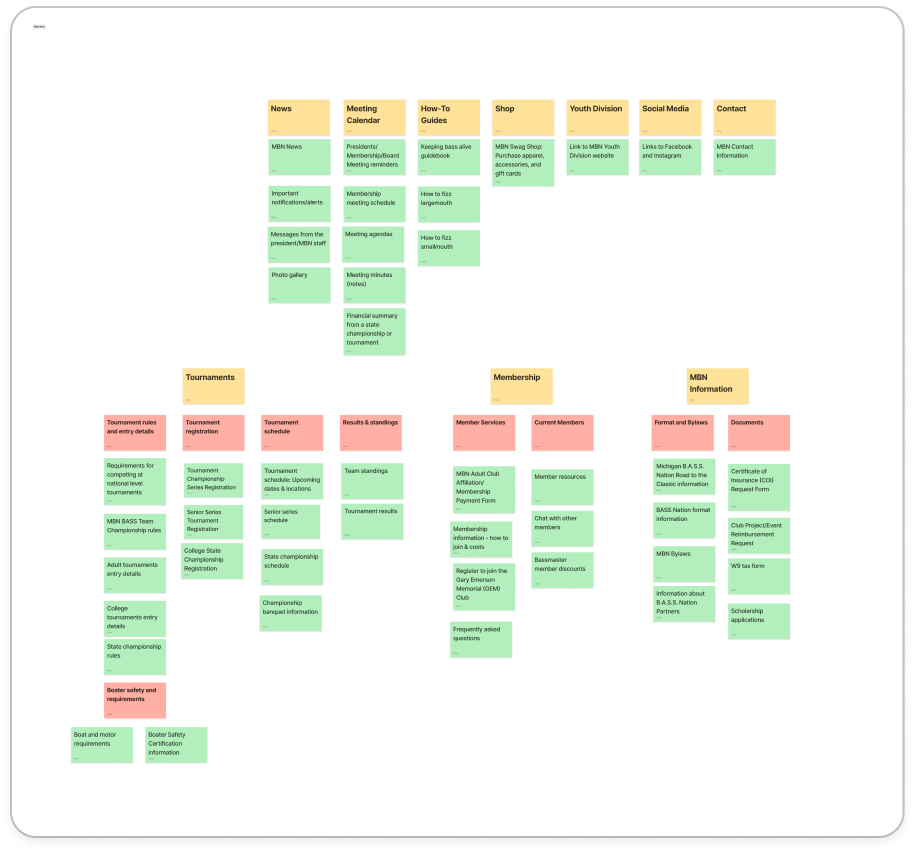
By refining the site structure and content organization, we enhanced user experience, reduced frustration, and made essential information more accessible. The new site map ensures that users—whether new, existing, youth, or adult—can navigate efficiently without unnecessary barriers.
View Original Site MapSample quote. Lorem ipsum dolor sit amet, consectetur adipiscing elit nullam nunc justo sagittis suscipit ultrices.
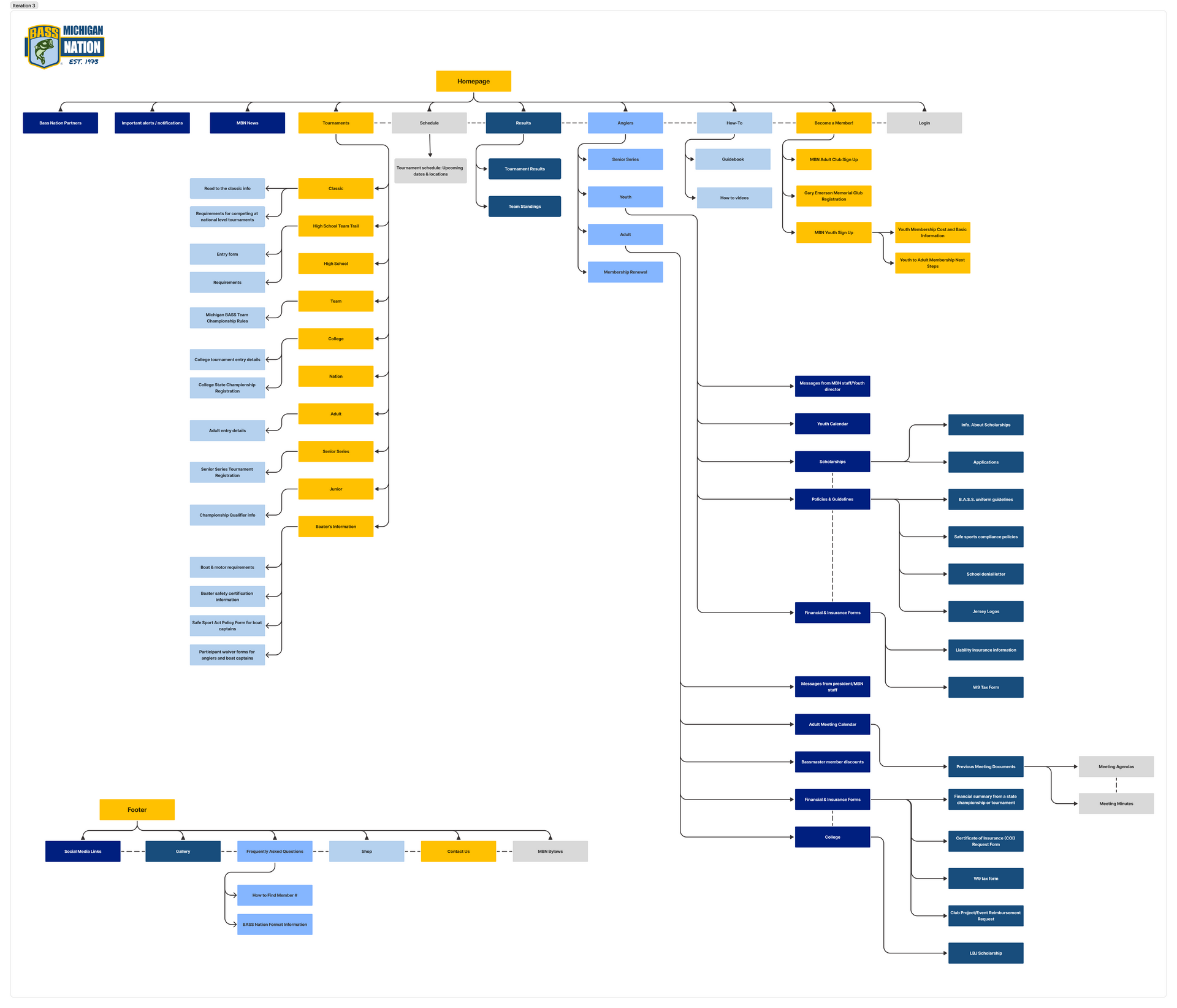
During stakeholder review of the sitemap, the stakeholders struggled to distinguish between adult and youth memberships. One noted:
“WOW! This looks great. The only things I would change is under Become a Member I'd separate Youth and Adult on to a second level.”
— Stakeholder 2
“I can't believe you got all the content to fit on one website!”
— Stakeholder 1
This insight led to a key design pivot: introducing clear headers and visual cues to differentiate membership types and reduce onboarding errors.
This redesigned site map directly addresses user pain points by improving navigation, reducing clutter, and making key information more accessible. By combining both the youth and adult sites and introducing a clearer structure, we've created a more intuitive and user-friendly experience for all MBN members. These changes align with both user needs and business goals, ensuring the site remains functional, scalable, and easy to maintain moving forward, positioning Michigan B.A.S.S. Nation for continued growth and member engagement.
View Third Iteration Site Map“I'd like it to say adult membership, and when they click it it would navigate to the MBN Club Membership and GEM Club Membership. I can see people getting confused. It's inevitable.”

— Stakeholder 1
You’re an independent adult angler ready to join Michigan BASS Nation for the first time. Navigate to Become a Member, identify the correct membership, and click the “Join” button.
Goal:
Navigate to Become aMember > GEM Club Details > Join the
GEM Club
Success
Criteria:
Participant correctly navigates to the GEM section and
finds the join CTA.
Observation/Finding:
Participants found the "Become a Member" button clear and visually effective, indicating a strong entry point. However, the distinction between adult and youth memberships within the flow needed improvement.
Action Taken (and Why):
Based on feedback, weadded clear headers and visual differentiatorsto distinguish adult and youth memberships. This change was crucial forreducing user confusion and preventing incorrect sign-ups, thereby streamlining the onboarding process.
As a new member, you want to attend your first Membership/President/Board meeting. Find out when the next one is happening.
Goal:
Navigate toAnglers > Adult. Locate the meeting
time/date via News or Calendar on the main page.
Success
Criteria:
Participant identifies
the meeting date.
Observation/Finding:
Participants cited confusing navigation when attempting to locate membership meeting information, especially for members-only content. They suggested renaming the "Anglers" menu for better clarity.
Action Taken (and Why):
We redesigned the navigation path to membership meeting information and renamed the "Anglers" menu to more descriptive terminology(e.g., "Members Only"). This action aimed to create more intuitive paths for accessing members-only content, reducing user frustration and improving discoverability of essential information.
You’re ready to fish competitively! Find out if you're eligible for the Team Championship Tournament and begin registration.
Goal: Navigate to Tournaments > Teams > Register Here. Locate and read eligibility information before clicking “Register Here”.
Success Criteria: Participant reaches Team Championship Tournament details and simulates registration.
Observation/Finding:
Participants struggled with the organization of tournament listings. They proposed grouping tournaments under distinct headings for adults, youth, and colleges, and suggested refining confusing tournament names (e.g., "BTC" instead of "Teams").
Action Taken (and Why):
Weimplemented clear headings for adult, youth, and college tournaments and revised ambiguous tournament names to be more descriptive(e.g., changing "Teams" to "Bassmaster Team Championship, BTC"). This ensuresusers can quickly identify and register for the correct tournament, reducing errors and improving the efficiency of the registration process.
You’re nervous and want to review how to properly fizz a largemouth bass. Find this info on the website.
Goal: Navigate to the How-To.
Success Criteria: Participant finds the “How-To” content.
Observation/Finding:
Users found the "How-To" content exceptionally easy to locate and navigate due to its clear and direct placement. No significant changes or improvements were suggested for this section.
Action Taken (and Why):
No changes were required for this task, validating the existing effective design and ensuring continued ease of access for users seeking instructional content.
It's the day before your tournament. You want to double-check the Team Championship Tournament schedule and location.
Goal: Navigate to Schedules. Locate the specified tournament and click the corresponding address.
Success Criteria: Participants find location details and click on the address, accessing map/directions.
Observation/Finding:
While navigation to the schedule page was successful, participants noted the absence of detailed tournament fact sheets. They appreciated the schedule layout's clarity but emphasized the critical importance of accurate and complete tournament information.
Action Taken (and Why):
Although the schedule layout was clear, we identified the need to integrate comprehensive tournament fact sheets or detailed information directly within the schedule view. This isvital for providing users with all necessary details (e.g., rules, locations, fees) at a glance on tournament day, enabling them to make informed decisions and better prepare for events.
Combined both platforms into one cohesive experience, eliminating redundancies streamlined the user journey and reduced the cognitive load.

Eliminated underused sections to reduce clutter and improve focus, allowing users to focus on essential content and find what they need more efficiently.

Protected sensitive member-only content with secure access, ensuring the privacy and security.

Created a dedicated "New Members" section with clearer pathways and fewer clicks to find and complete the registration process with fewer clicks and less confusion.

Separated highly trafficked pages such as schedules, results, and eligibility into distinct sections for faster access.
Clear content hierarchy and visual cues are essential for reducing user error.
Combining platforms can reduce cognitive load and improve branding.
Early stakeholder involvement ensures alignment with organizational goals.
Strategic UX research leads to scalable, maintainable design solutions.
This project successfully established a robust, user-centered foundation for the Michigan B.A.S.S. Nation website. Through comprehensive research and strategic design, we pinpointed critical usability issues and crafted a site structure that directly caters to the needs of both youth and adult members. The insights gleaned from this work offer a clear and actionable roadmap for future development, ensuring a continuously intuitive and highly engaging experience.
Don’t let your project be the one that got away—get in touch! Whether you're looking to collaborate, ask questions, or just talk UX, I’d love to hear from you.